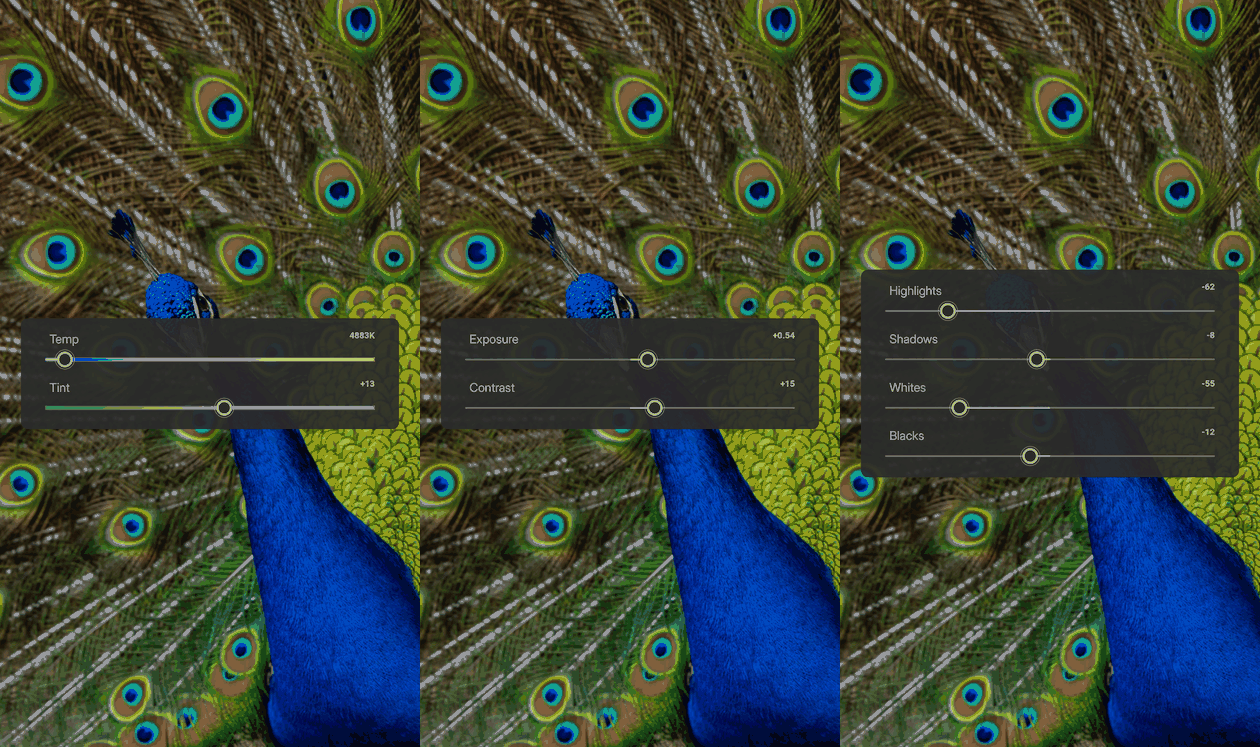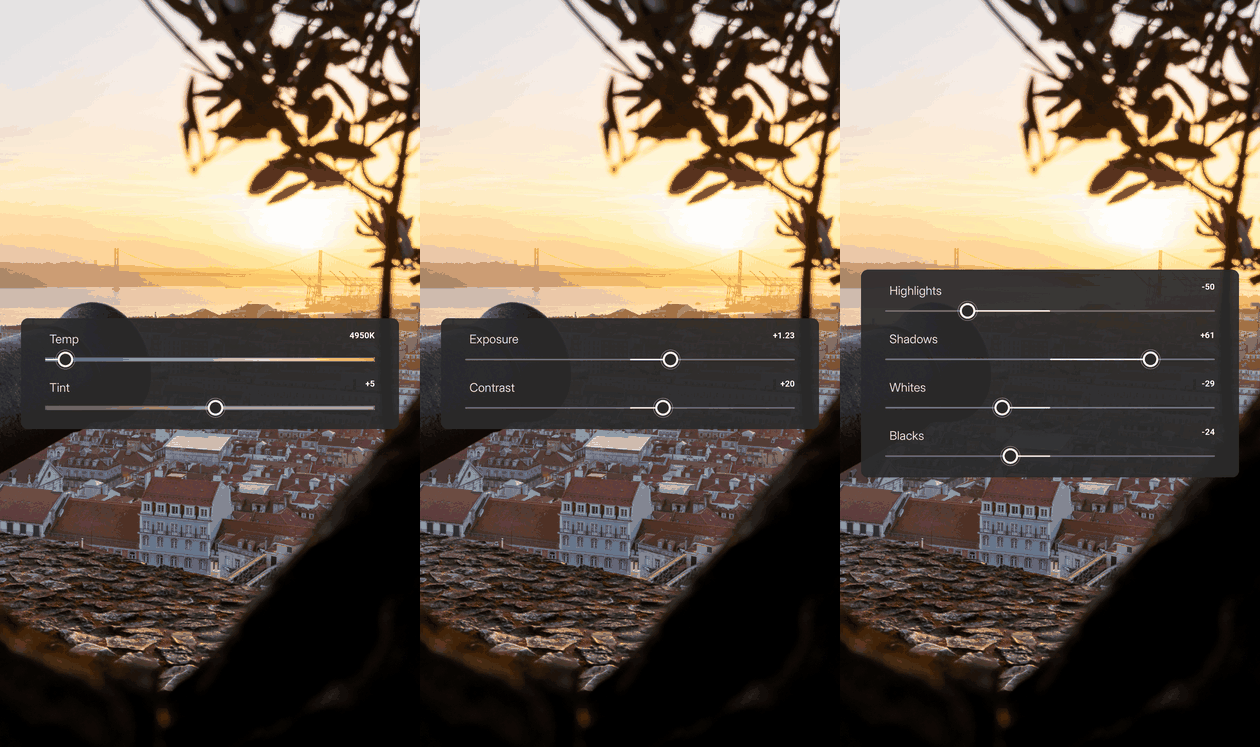
Your Edits In Motion
Turn your editing process into a tutorial video.
Upload your original and your finished Lightroom edit. Get back a step-by-step reel or carousel, built from your real settings.
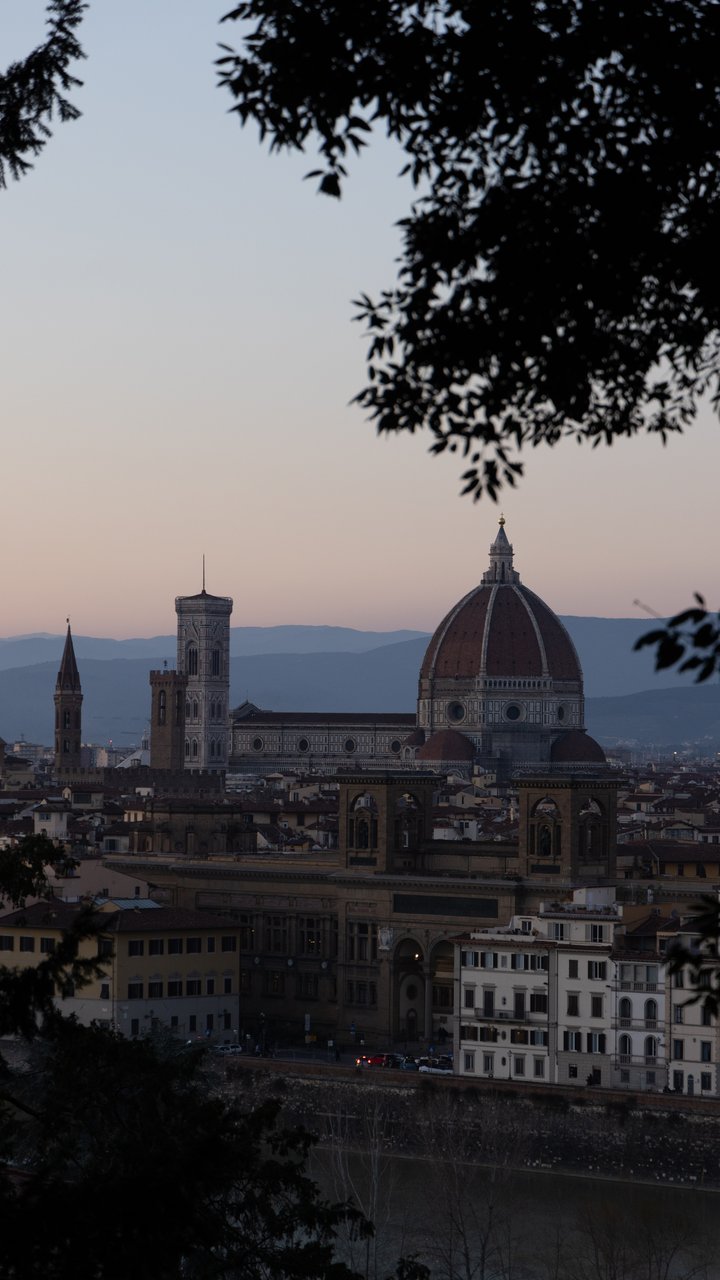
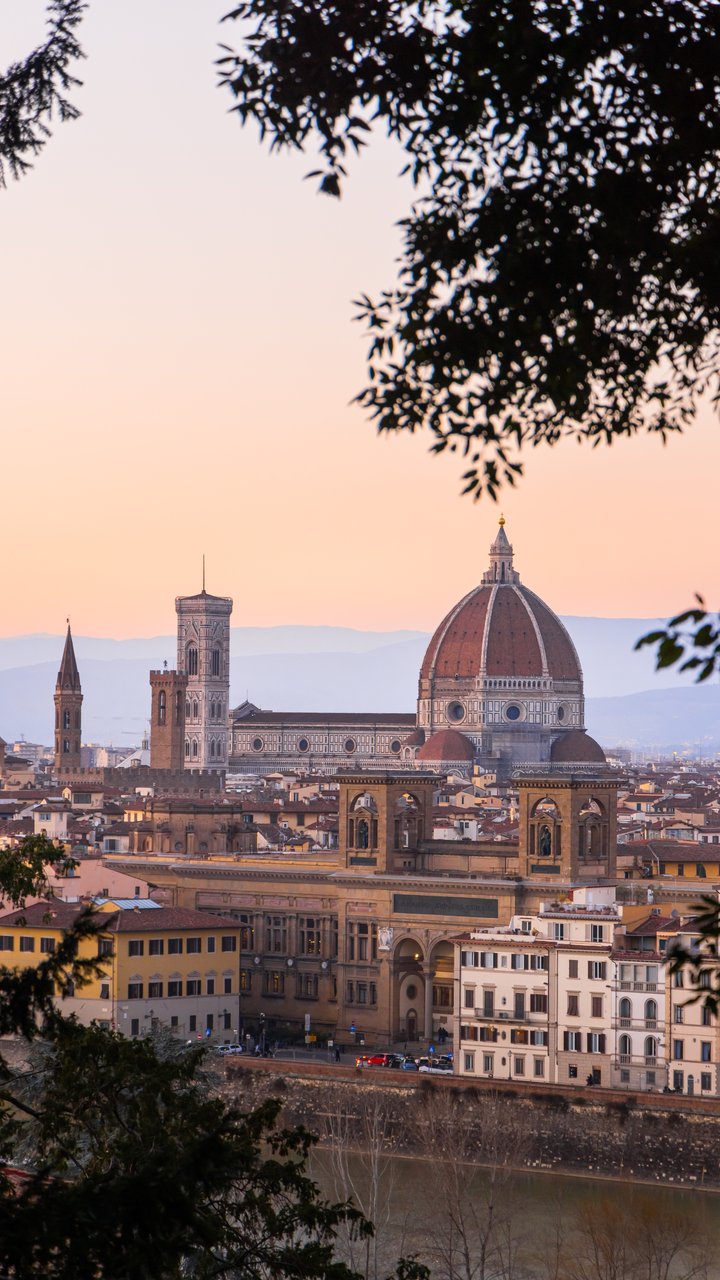
BeforeAfter
Show the settings your way
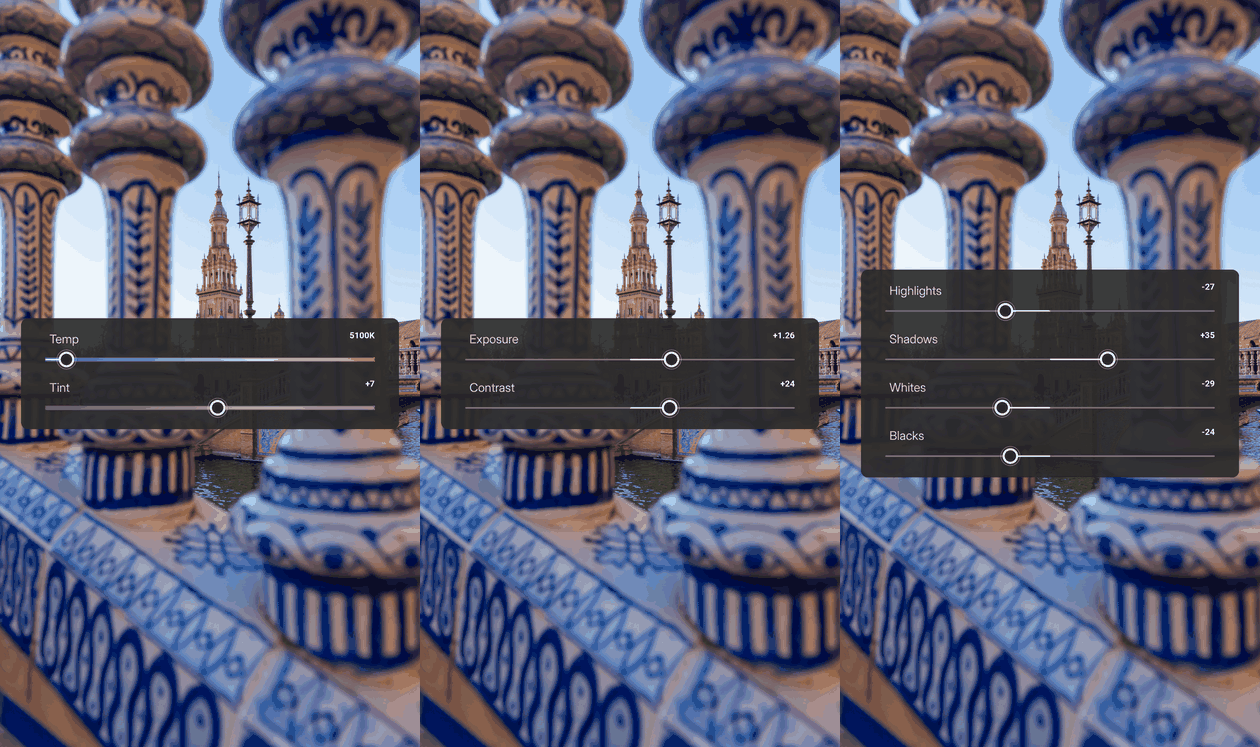
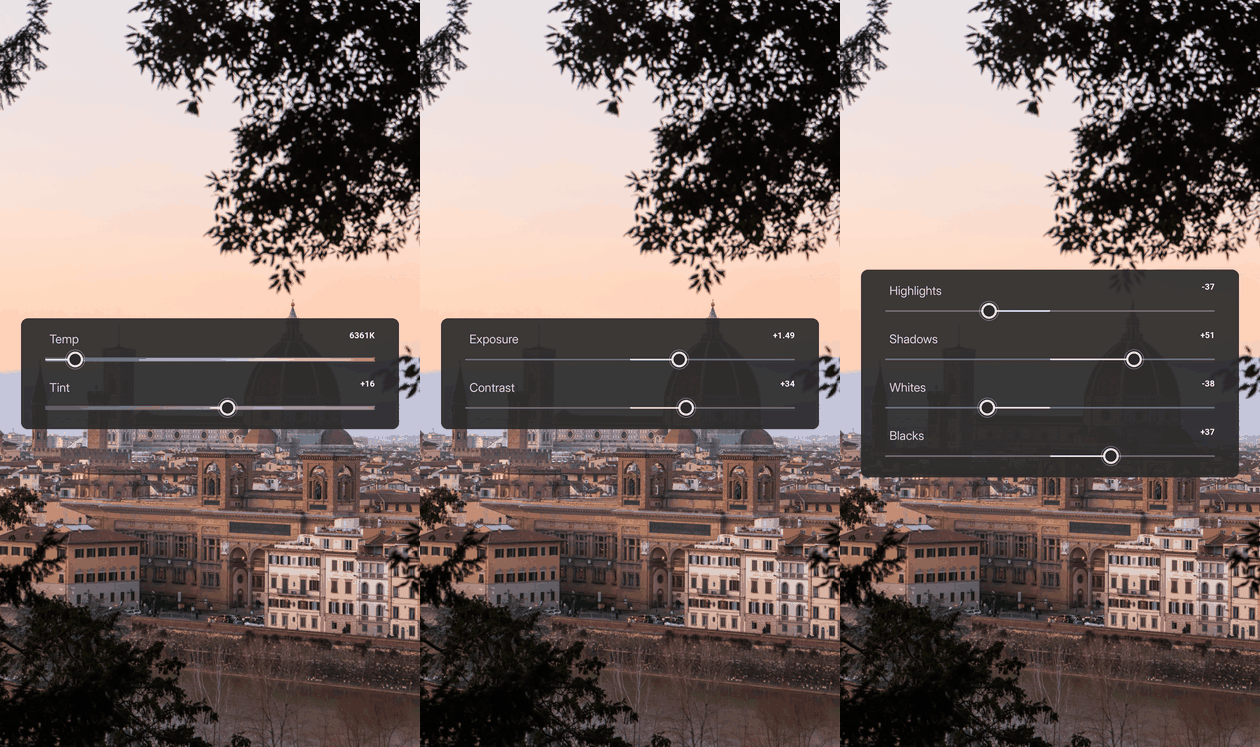
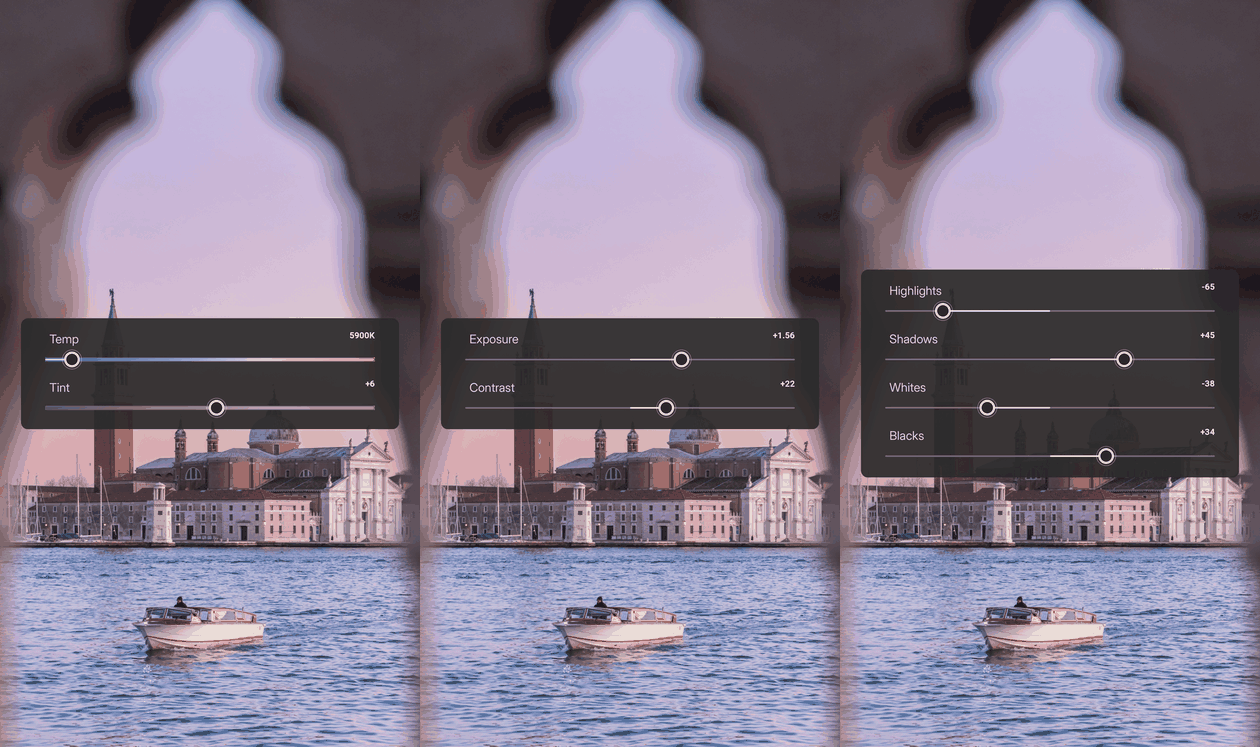
One step at a time
Each change gets its own moment.
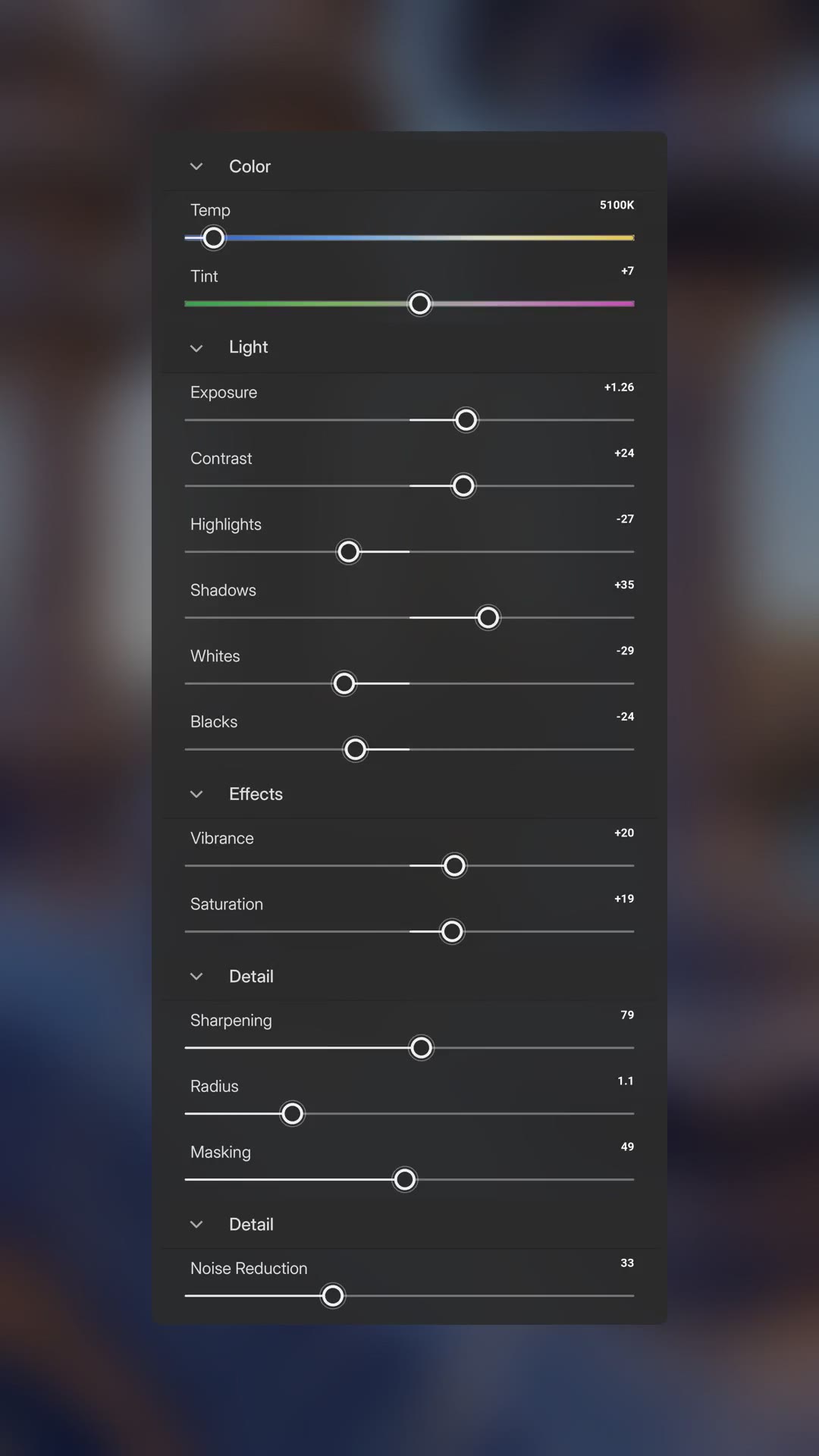
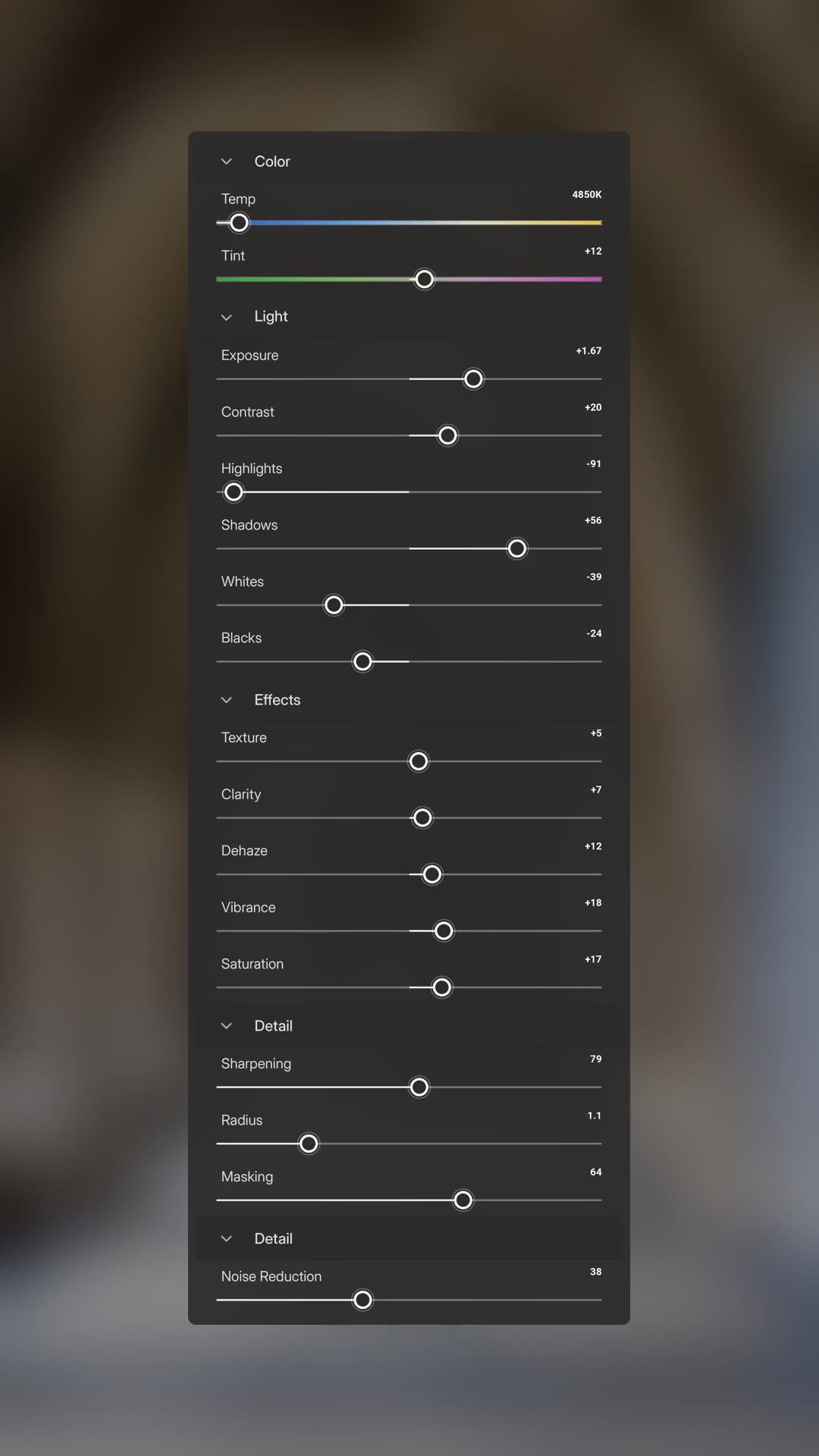
Everything at once
One card with every setting.
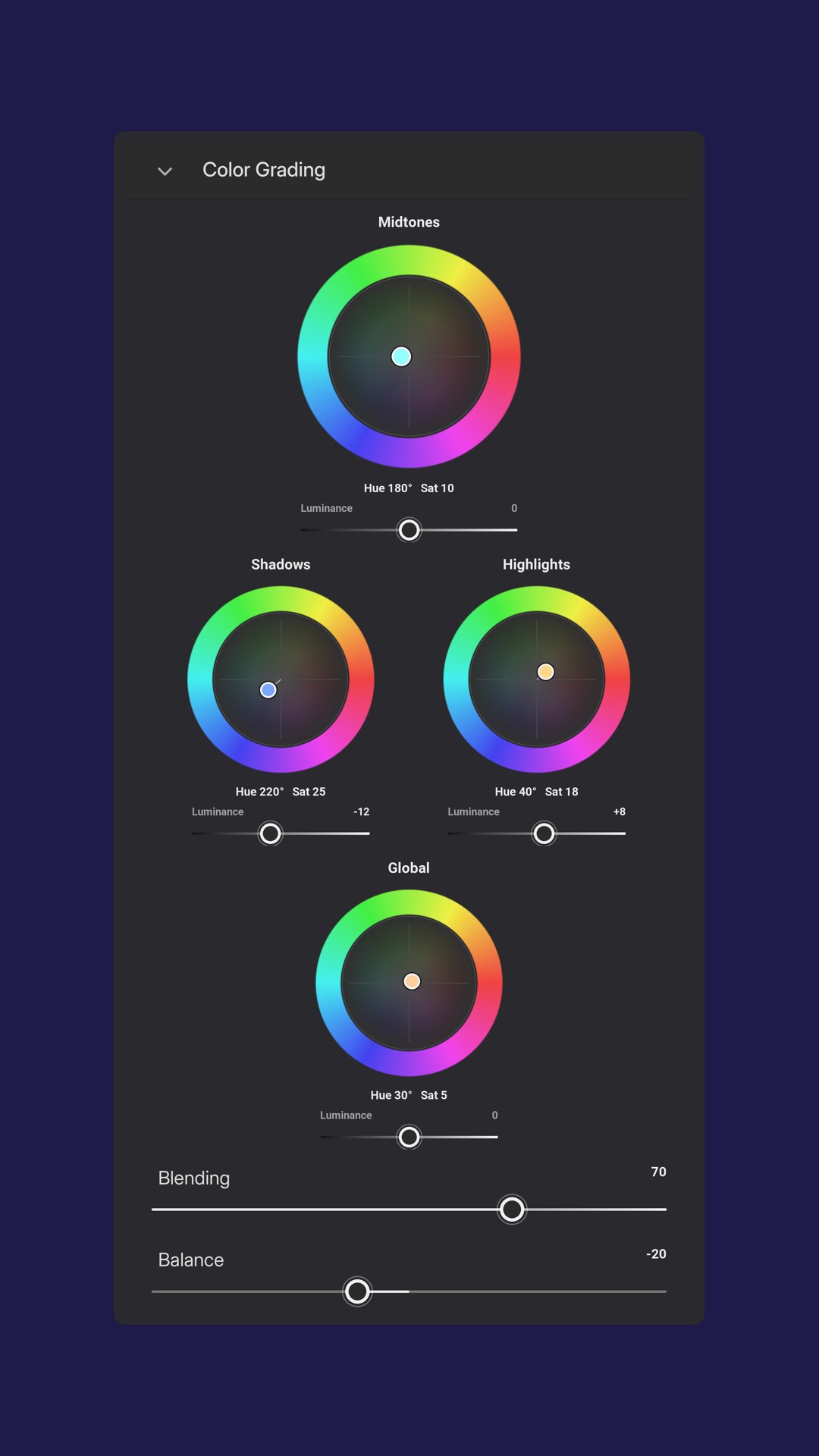
Just the color work
The Color Mixer and Grading wheels, on their own.
Three steps, one real edit
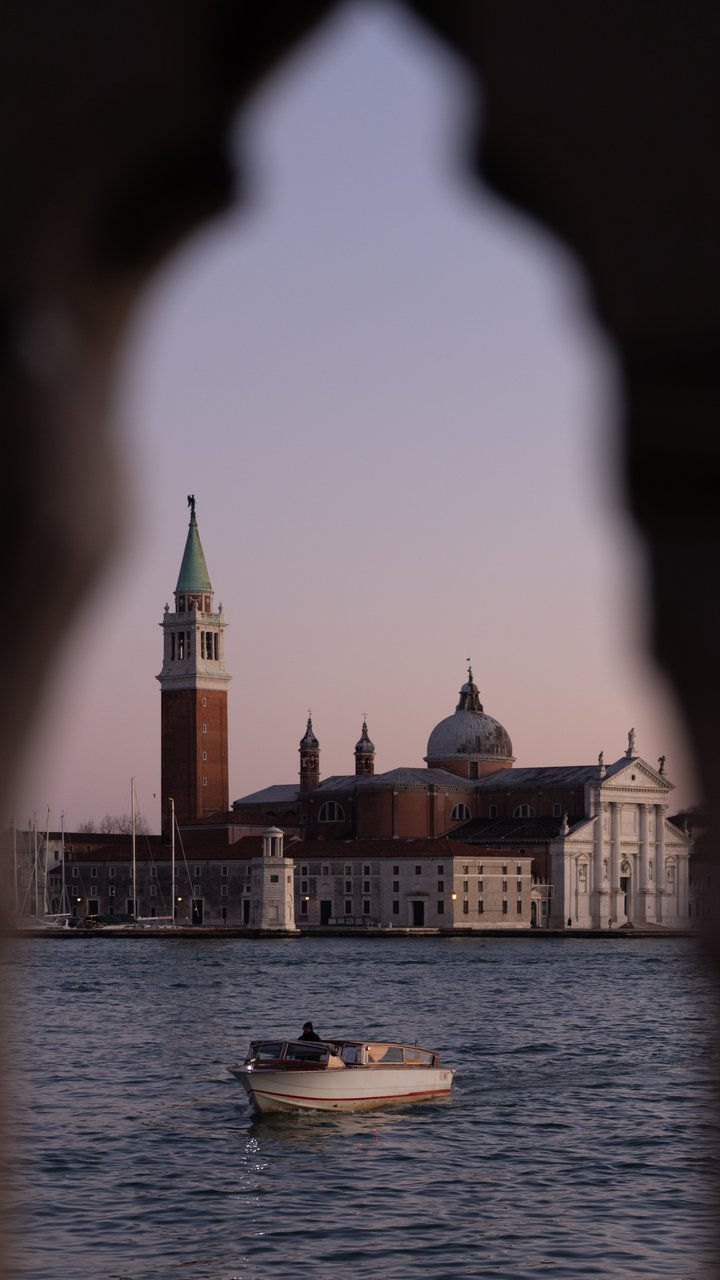
1. Upload
Add your original photo and finished edit.
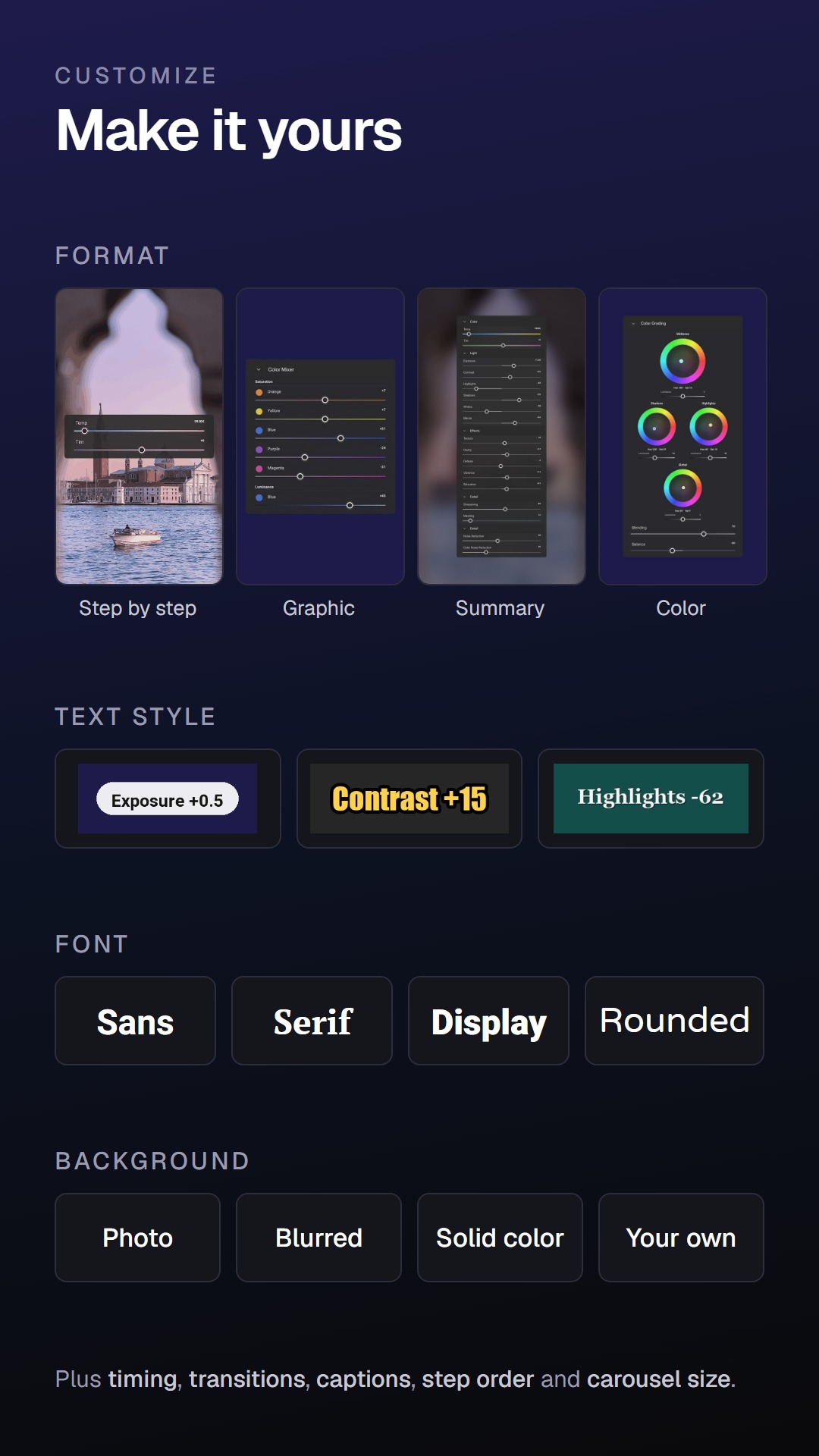
2. Customize
Pick the format, style, timing, and steps.
3. Download
Get your video and carousel.
Show where every photo was taken
Included in PremiumA satellite view zooms in on the place you took each photo, a marker lands on the spot, then the photo itself — one place after another, as a reel or a carousel.
- Locations come straight from your photos’ GPS, or you set them in a few clicks
- Choose the zoom, the marker and its color
- Put the place name on the map, the photo, or both